
5 Digital Art Tutorial Videos for Beginners

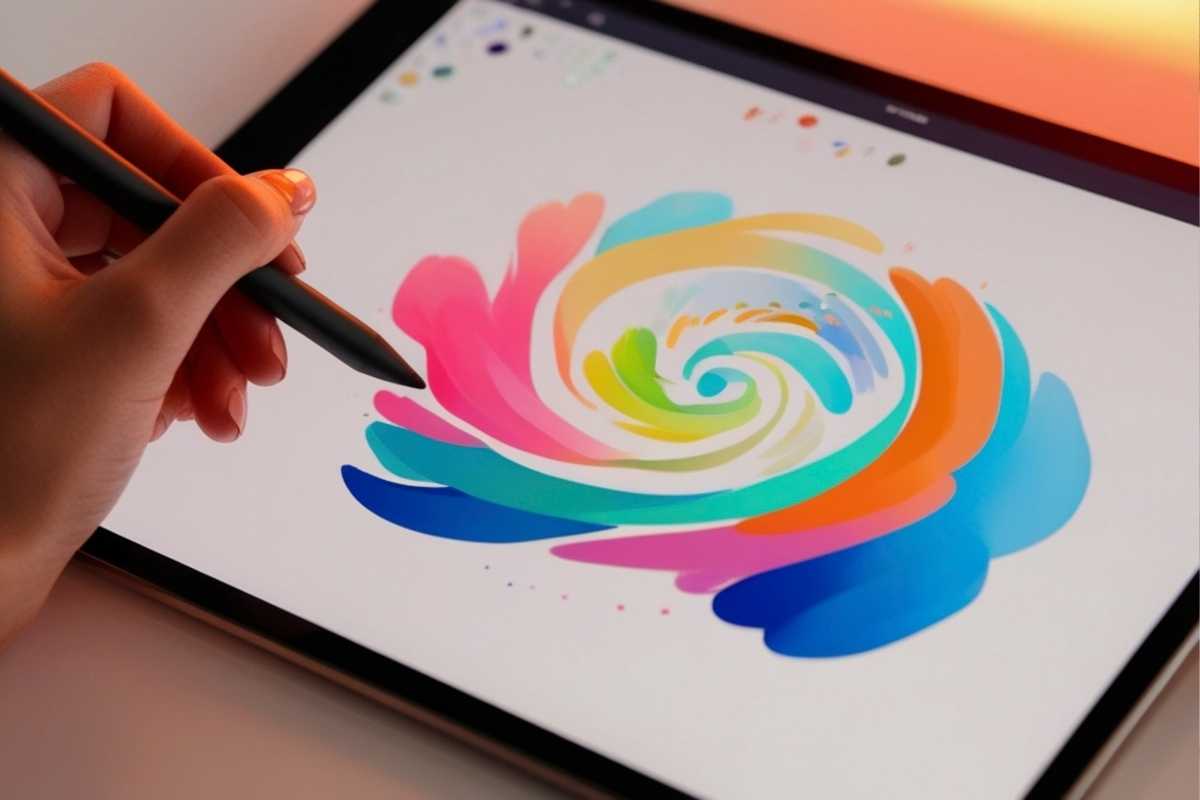
Jump into your first digital art tutorial with a curated path that removes guesswork. This beginner-friendly roundup covers setup, layers, navigation, brushwork, and workflow discipline—everything you need to make your first finished piece.
Treat it as a practical digital art tutorial step by step roadmap with clear wins you can achieve today.
1) Starting from Scratch: Gear, Software & Settings
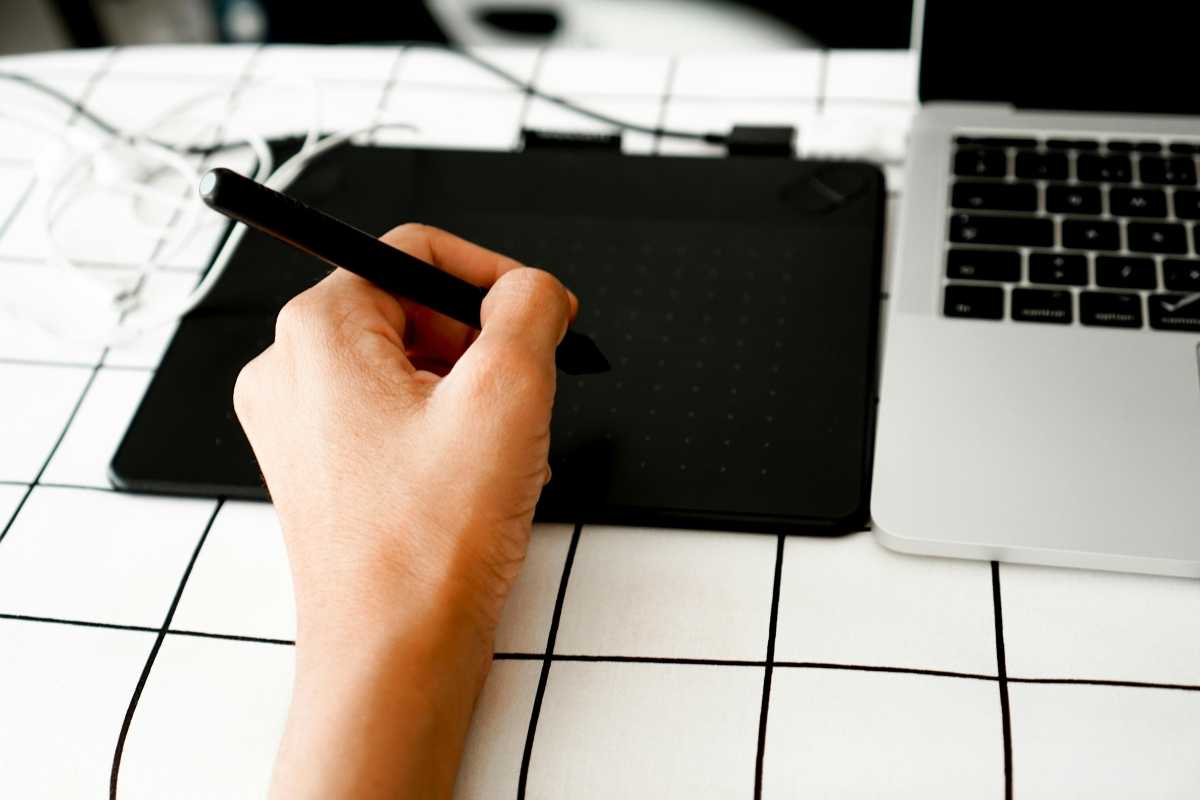
Confused by tablets, canvases, DPI, or color profiles? This video simplifies the essential decisions so you can start drawing fast.
You’ll see how to pick canvas sizes, set pressure curves, and map shortcuts that match your style. It doubles as a concise digital art beginner tutorial for building a clean, stable workspace.
If you’ve been searching for an art tutorial digital resource that demystifies setup, this is it. Save your config as a preset so every new file opens ready for creation—no more fiddling.
Click here to view the tutorial
2) General Guide for Beginners: Mindset & Study Path
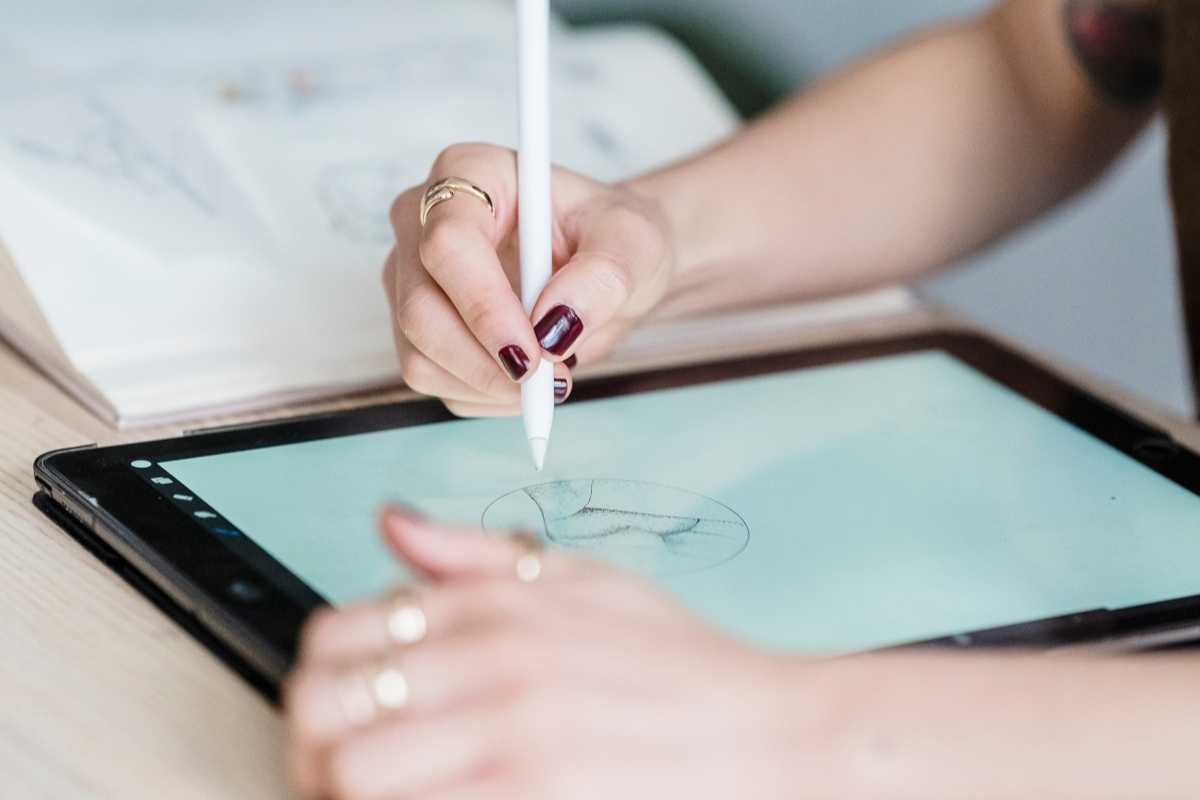
Technique matters, but mindset keeps you moving. Learn how to structure practice (gesture → form → light), avoid perfection traps, and build habits that compound.
It’s a motivating Digital Art For Beginners talk that still lands concrete drills you can repeat weekly.
Think of this as a compass for any digital art tutorial beginner: short timed studies, warm-ups before projects, and simple feedback loops so progress becomes visible and fun.
Click here to view the tutorial
3) Layers: The Basics That Save You Hours
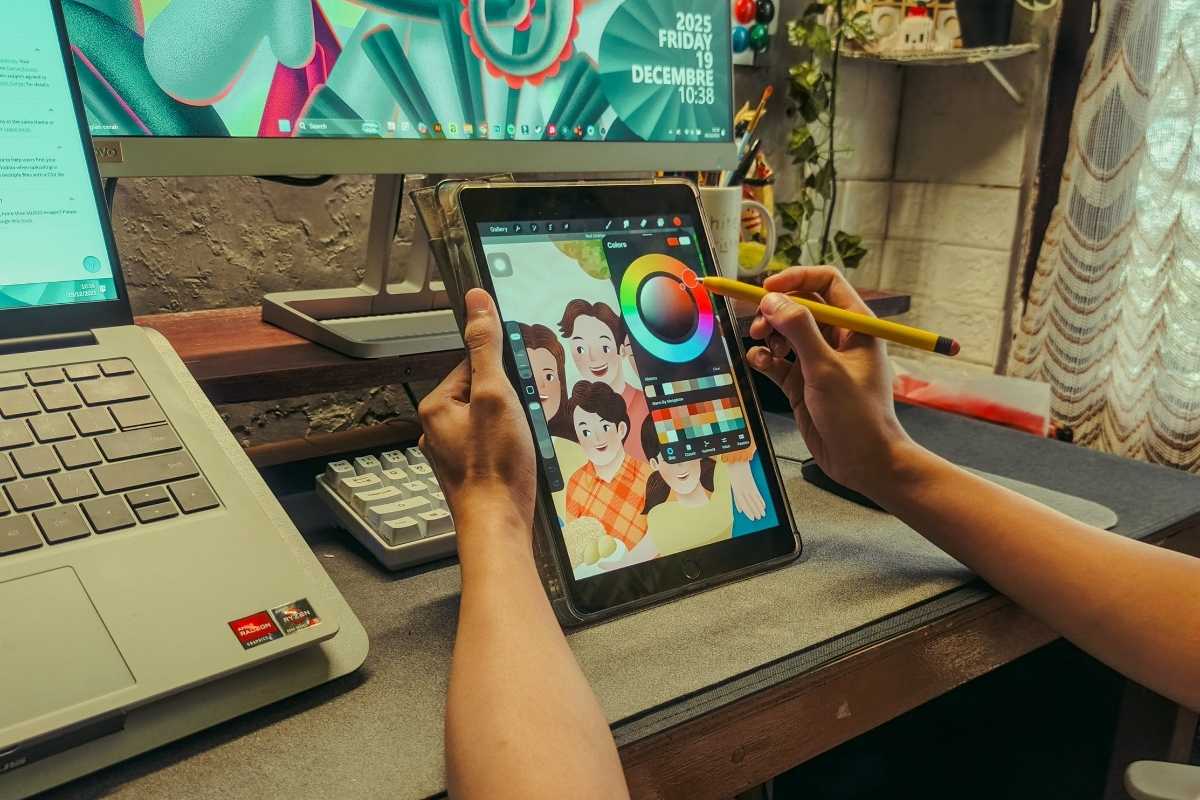
Layers are your safety net. This lesson shows how to separate sketch, ink, color, and effects, when to clip, and how to lock transparency.
You’ll practice non-destructive edits and smart naming conventions—hallmarks of a reliable digital art tutorial workflow.
Apply it as a digital art easy tutorial: create a mini project with a five-layer limit. Constraints force clarity and make file management second nature.
Click here to view the tutorial
4) Navigation & Control: Shortcuts and Flow

Speed comes from muscle memory. Learn zoom, rotate, and pan techniques, plus custom radial menus and modifier keys.
This video turns clumsy clicks into fluid motion—ideal if you want digital art tutorial videos that immediately boost productivity.
Build a 10-minute daily drill: canvas nav, transform, lasso, and brush switching. In days, your hands will “know” the canvas and your focus can stay on drawing.
Click here to view the tutorial
5) Painterly Brushstroke: No Smudge, Real Paint Look
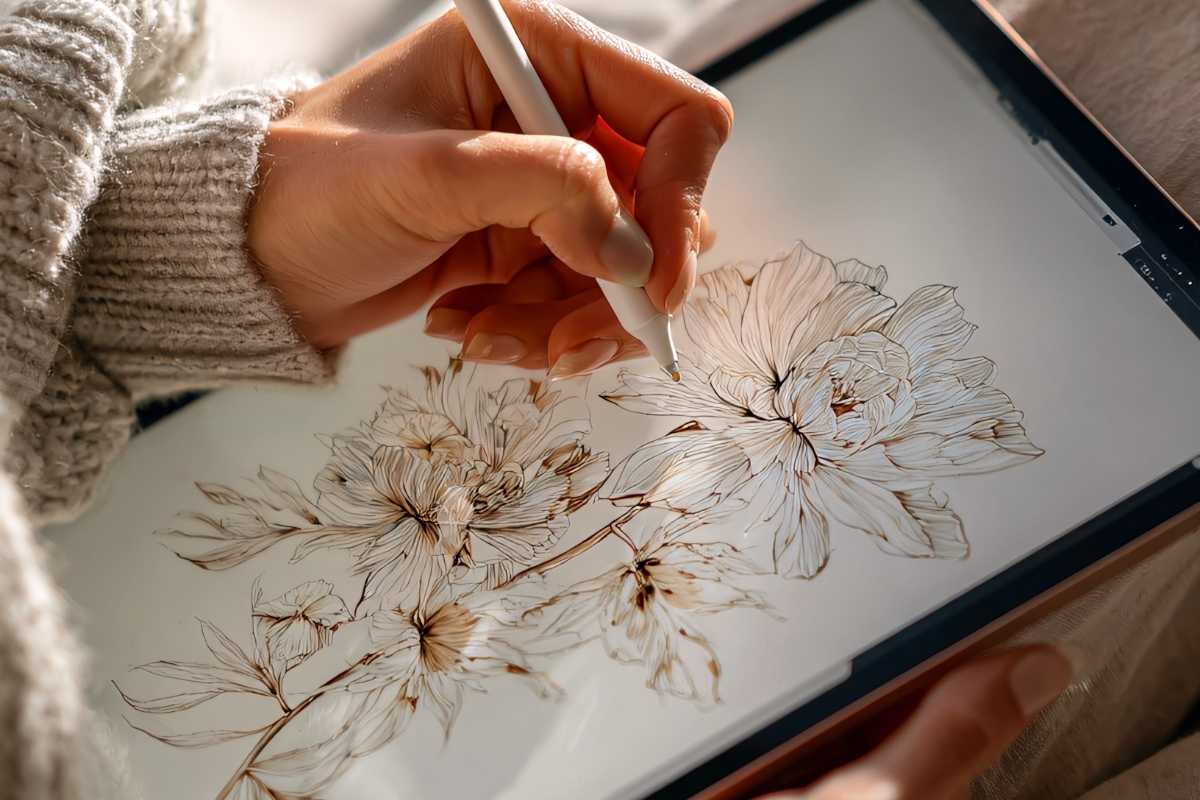
Want that textured, traditional feel? This demo shows brush settings for edge control, opacity, and color pick cadence—so your strokes blend optically, not with smudge. It’s a focused digital art tutorial step by step for believable brushwork.
Use a limited palette and paint a small study (pear, mug, or leaf). This keeps the lesson tight and turns theory into muscle memory fast.
Click here to view the tutorial
Your First Mini Project (1–2 Hours)

Plan: thumbnail 3 ideas; pick 1. Build: sketch on one layer, ink on another, flats on a clipped group, and a final light layer. This is a compact digital art tutorial beginner assignment you can finish in one sitting.
Review: export a progress GIF to spot issues, then note fixes. Repeating this loop turns any digital art beginner tutorial into real-world progress.
Common Pitfalls & Quick Fixes

Fuzzy lines: check canvas DPI and brush spacing. Muddy color: reduce saturation in shadows; avoid pure black. Messy files: group by stage and color-code layers. These habits make every art tutorial digital lesson stick.
When overwhelmed, shrink scope: postcard-sized canvases force clarity and keep momentum high.
Where to Go Next
Stack these five lessons into a routine and you’ll finish your first scene quickly. Keep a folder of bookmarked digital art tutorial videos, schedule short sprints, and iterate.
The result: a repeatable system for learning—one you can apply to portraits, environments, or stylized illustration.
Discover More Artistic Inspiration